Project
The SEND Local Offer planning tool

screenshot of the planning tool
screenshot of the planning tool
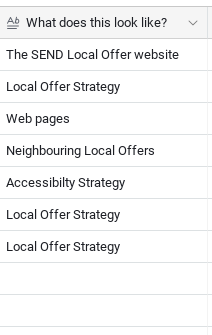
Guidance on "What this looks like"
Option to link to live Local Offer web pages
Completely customizable for your council
Designed as a to do list
A short explanation of each column of the planning tool. If you have any questions, or suggestions on how to make this better, contact us.
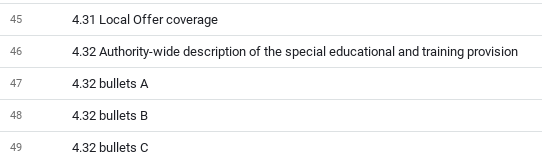
Each item has a separate name such as 4.25 "You said, we did", or "4.28 Data informed decisions".
Where an item is broken down into bullet points the name might be "4.32 bullet B".
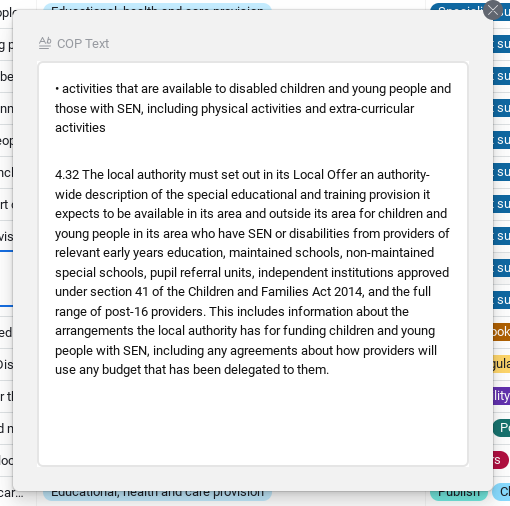
This is the text from the Code of Practice 2015. Where an Item is a bullet point, the introduction text is added too.
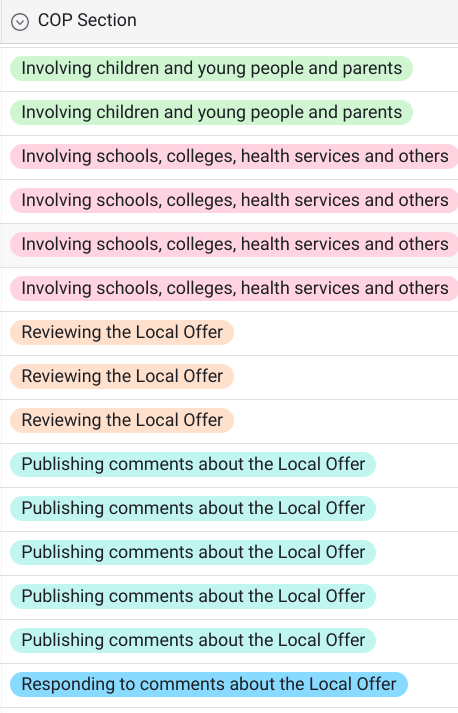
Section headings from the SEND Code of Practice Chapter 4 "The Local Offer"
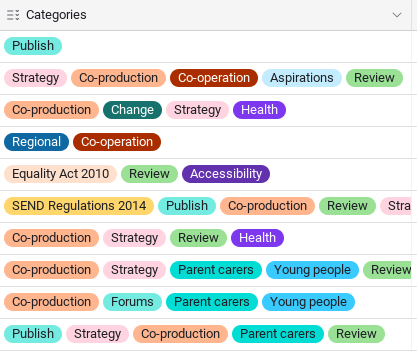
These are categories we have made to tag each Item in the COP. Can be useful for planning co-production of services work.
Notes on how this may appear in the SEND Local Offer. For example it might be part of the SEND Strategy document, your Engagement Policy, or your Accessibility Policy.
You can add a link to the relevant page from your SEND Local Offer.
A tag to show if the page is To Do (up next on your content), is Weak on content, has been Started, is under Review, Live, or has Nothing.
The Strategy tag shows that the item is part of the whole Local Offer strategy (rather than a web page).The Settings tag is for content for schools, colleges, or childcare to create.We've added a few tags to categorise each Item under who is responsible for it. You can
edit the name of the item
change the item to a named person
add more options
For your notes
You can add resources that you might need to help you. For example, links to Health services, or to PDFs that need to be added as web content.
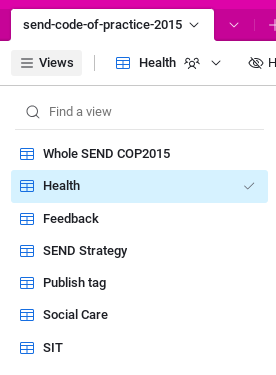
With Views you can see a filtered part of the whole list, for example all the Health items, or anything related to the SEND Strategy.
You can Group Items by Status so that you can see all the Started, Review, To Do items etc. This gives you a nice checklist to work from, and automatically moves Items from one group to another when you change the Status.
